No API keys · no copy-paste
Ten minutes. Three steps. Live.
The biggest fear — "Will I manage the setup?" — has a simple answer: the wizard takes care of it all.
Install the plugin
Upload the zip file and activate. The setup wizard checks compatibility itself — it tells you up front what's needed and what's missing.
Connect your phone
The wizard's last step shows a QR code. Scan it with the app and the phone is connected — no API keys, no copy-paste.
Start working
As soon as orders start coming in, you get a push on your phone. Confirm, fraud check, send to courier — all from there.
Your order desk, on your phone.
The pictures below are from the real app — a live shop's own orders.
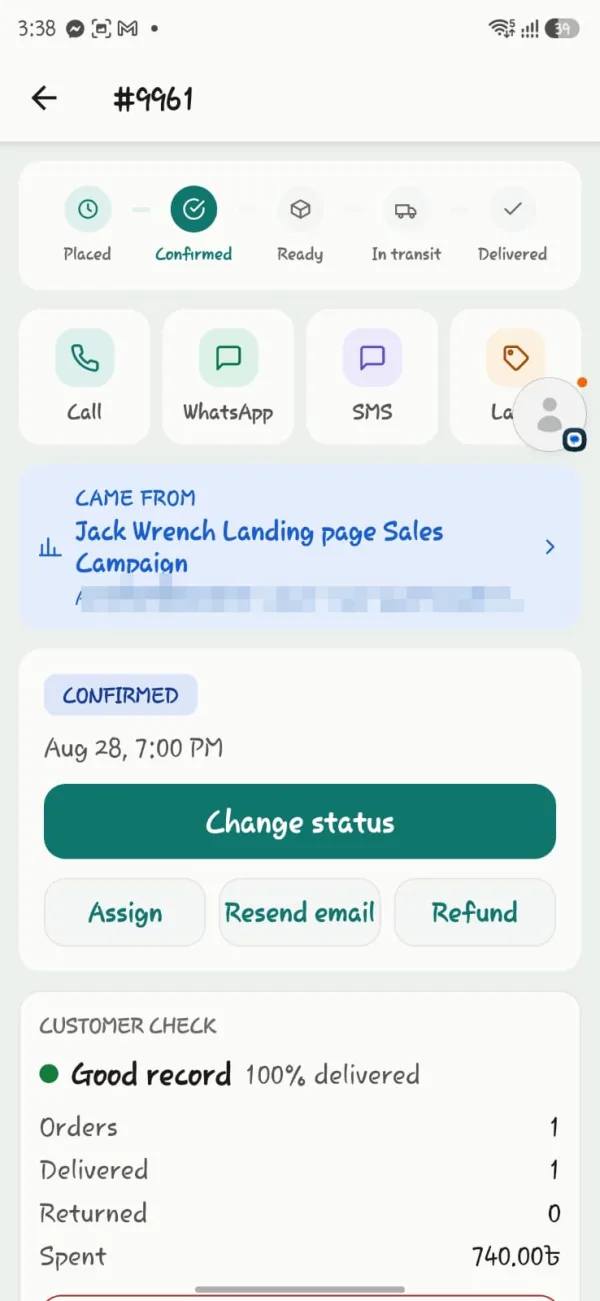
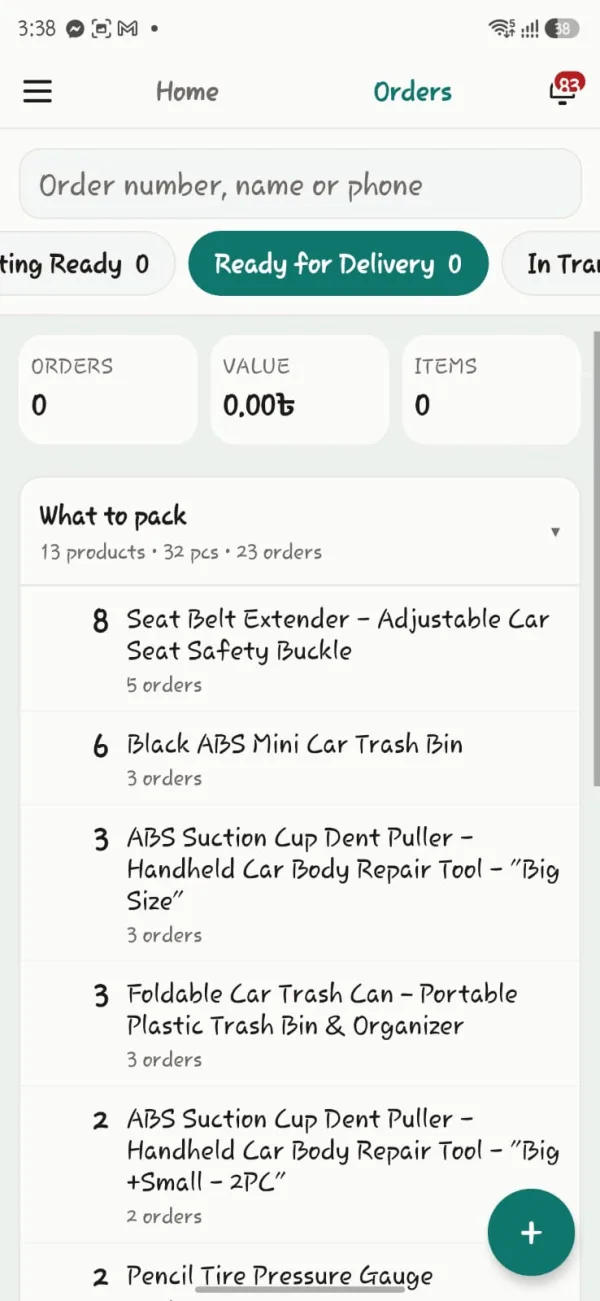
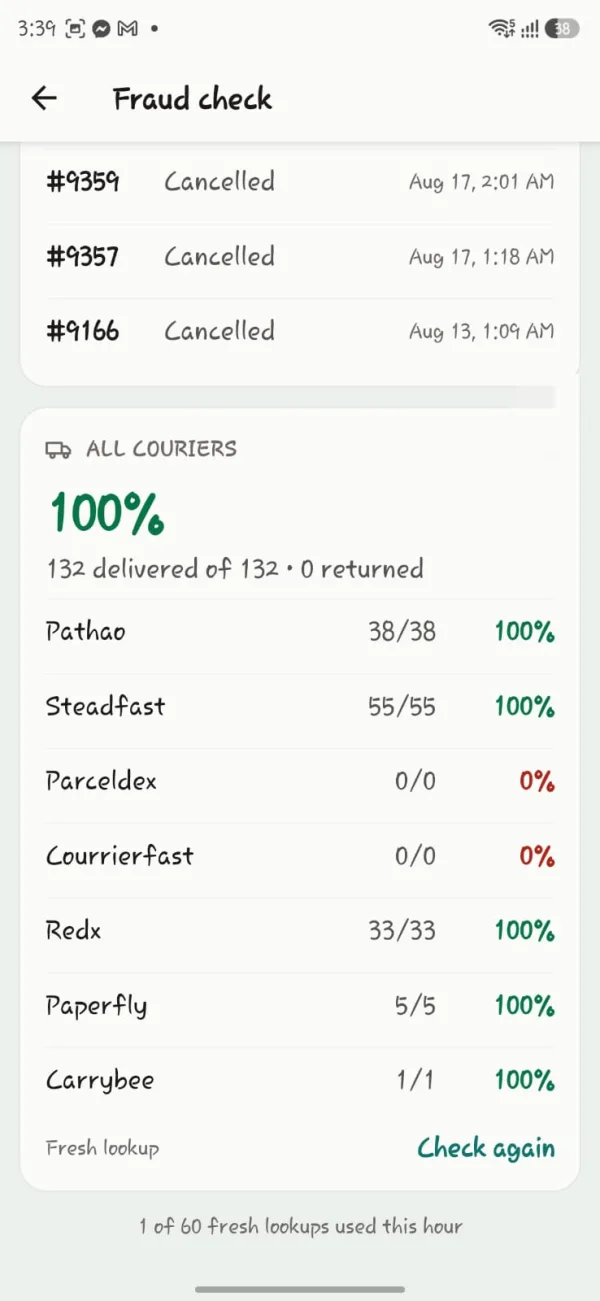
The real app, with a live shop's own orders. Customer details blurred.
What you need
That's all — nothing else.
A WooCommerce site
A WordPress site with WooCommerce installed. On WooCommerce 8.2 or later it works with the new order storage (HPOS) and the old storage alike.
An Android phone
The app is for Android. Not on iPhone yet. The web dashboard runs in any browser, though, so you can work without a phone too.
What you don't need
No ionCube Loader. No separate SMS panel to buy. No moving your site anywhere, and no leaving WooCommerce.
A courier account
To send with Steadfast, the API key from your Steadfast merchant account. You enter it in the setup wizard — once.
If you get stuck, we will set it up for you.
If setup gives you trouble, tell us on WhatsApp — 9 am to 10 pm.