Add-ons · beside your licence
Nishchit WooCommerce add-ons
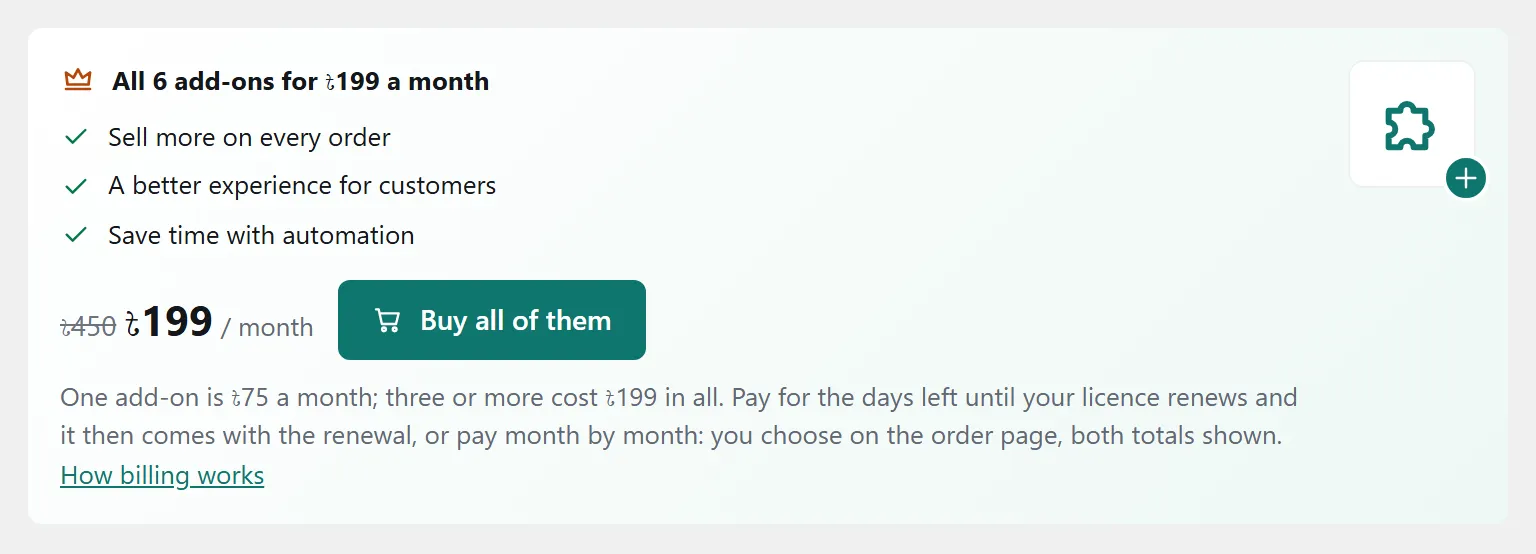
Six extras you add one at a time beside your Nishchit WooCommerce plugin licence. One costs ৳75 a month; three or more cost ৳199 in all. And the Buy Now button is free for everyone.
Add-ons are already inside the Nishchit plugin; they only have to be added to your licence. There is no separate plugin to download or install.
Each add-on switches on and off on its own and has its own settings page. Switched off, none of it runs: customers see nothing and no message goes out.
The seven add-ons
Six paid, one free · each has a guide- Smart Upsell Suggests what people really buy together “Frequently bought together”: learns from delivered orders which products customers really take together, and shows exactly those. ৳75 / month Read the guide
- WhatsApp Order Orders on WhatsApp, with the records The “Order on WhatsApp” button first makes a real order in your shop, then opens WhatsApp with the order number. ৳75 / month Read the guide
- Offers Quantity prices, combos, free delivery Lower prices for more (1 for ৳549, 2 for ৳999), combo packs and free delivery above an amount. ৳75 / month Read the guide
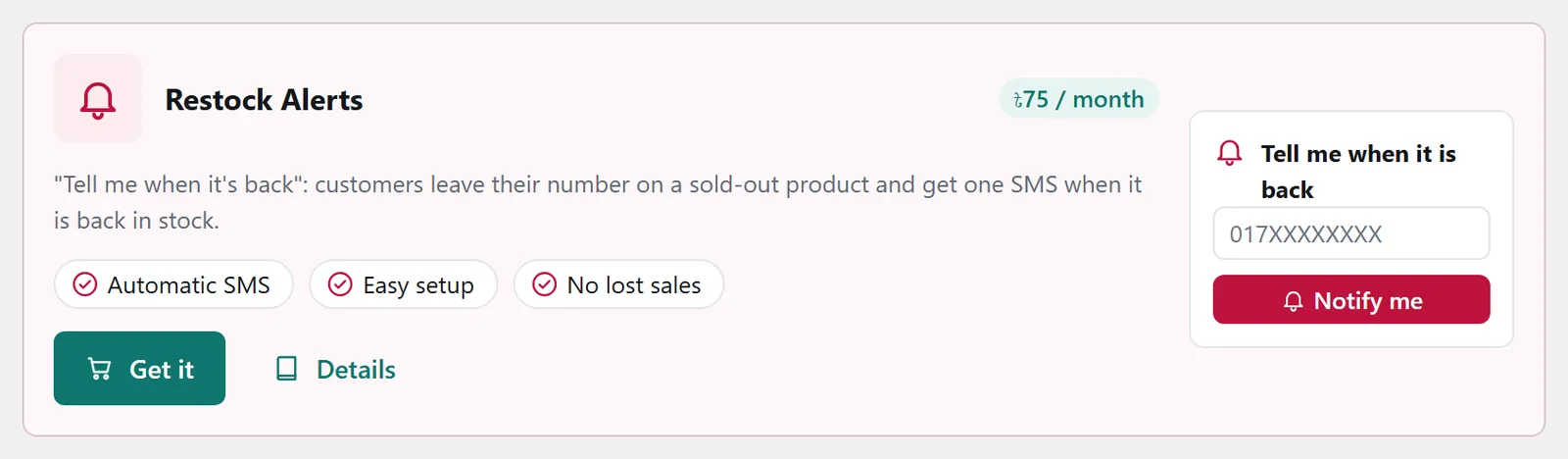
- Restock Alerts An SMS to customers when it is back Customers leave their number on a sold-out product and get one SMS with the product link when it is back. ৳75 / month Read the guide
- Pre-Orders Sell before the stock arrives Take orders before the goods reach the shop, with an advance; when they arrive, confirm every order in one press. ৳75 / month Read the guide
- Floating Checkout A floating cart, orders on the page A cart that floats on every page, and a four-field order form over the page; orders still go through your real checkout. ৳75 / month Read the guide
- Buy Now “Order now” on cards and product pages An “Order now” button beside Add to cart, in your own words; a press orders that product alone, and the rest of the cart waits. Free Read the guide
All of them: ৳199 / month
One rule: the monthly total is ৳75 × the number of add-ons, but never more than ৳199. So three cost ৳199, and the fourth to the sixth are added at no cost.
The bundle panel at the top of the plugin's Add-ons page has a button that buys all of them at once (Buy all of them).
Buy Now is not part of this sum: it is free, so it is never counted, and there is nothing to buy.
| Add-ons | Monthly total |
|---|---|
| 1 | ৳75 |
| 2 | ৳150 |
| 3 | |
| 4 | |
| 5 | |
| 6 |
Cloud Connect: a separate add-on, ৳75 / month per site
Connects the site to your Nishchit Cloud shop, so orders, products and stock flow to the cloud, and several sites' orders show on one desk.
It is not part of the bundle and is not counted in the sums above: always ৳75 a month per site, and 10 months on a yearly licence, ৳750 a year per site. 16 sites cost ৳1,200 a month.
It includes no cloud shop: a Nishchit Cloud plan is bought separately. This add-on only connects the site to a cloud shop you already have. Buy it from the plugin's Add-ons screen, like the other add-ons.
How billing works
With your licence- First payment
- Not a whole month. Only the days left until your licence's next renewal date: on a monthly licence, for one add-on, ৳75 × days left ÷ 30. A fraction rounds up to the next whole taka, and a bill is never under ৳10, because the payment gateway takes nothing smaller.
- After that
- The add-ons join your licence's renewal bill. No separate date or separate payment to remember. The top of the plugin's Add-ons page says until when they are paid.
- Yearly licence
- Add-ons cost 10 months for the year: one is ৳750, three or more ৳1,990. Bought partway through the year, the first payment is the share for the days left: for one add-on, ৳750 × days left ÷ 365. After that they renew with the licence's yearly renewal.
- Lifetime licence
- The licence itself never renews, so add-ons run month by month: a whole month the first time, then you get them again each month from the plugin's Add-ons page. You can do that from 3 days before the month ends, and no days are lost. If you do not, only the add-ons stop; the licence keeps working.
An example
Your monthly licence renews in 12 days, and today you get Restock Alerts.
- Today৳30৳75 × 12 ÷ 30
- In 12 days৳75added to the licence renewal bill
- Then every month৳75on every renewal bill
Adding another later works the same way: the monthly total is worked out again. With two, a third adds ৳49 a month (৳199 − ৳150), and a fourth, fifth or sixth adds nothing.
How to get them
From the plugin-
1
Open the Add-ons page
In the WordPress admin, go to Nishchit → Add-ons. At the top is the bundle panel, and below it a card for each add-on: its price, a short description, a small drawing of what the customer sees, and a Details button that opens that add-on's guide on this website.
-
2
Press Get it
On the card of the one you need, press Get it. For all of them, use the button in the bundle panel at the top.
Buy Now's card has no Get it: it says Free where the price would be, with a switch beside it. Switch it on and save; there is no payment step.
-
3
Pay on the payment page
A payment page opens on this website with everything filled in: what is due today, which add-ons, which shop, the licence's renewal date, and what they come to a month or a year from the renewal. Check it and press the button; you choose bKash, Nagad, Rocket or card on the next page.
-
4
Switch it on and save
Once you have paid, press “Back to your shop” and the plugin's Add-ons page opens. The card of the add-on you bought now has a switch where its price was. Switch it on and save, then open its settings and set it up.
If the switch is not there yet, refresh the page in a minute. Opened any other way than that button, the Add-ons page waits for the plugin's own licence check, which runs once a day.
No Nishchit plugin yet? You need a licence first: see the licence prices, or start with the 7-day trial. Add-ons work on a trial too.
FAQ
About billingIs there a bill for Buy Now?
No. Buy Now runs on any Nishchit licence, free and trial licences included; you never buy it, it never appears on a renewal bill, and the bundle never counts it. It starts switched off; switch it on on the Add-ons page and it runs.
Does switching an add-on off stop the bill?
No. The switch only stops the add-on working; the bill carries on. To stop the bill, cancel the add-on: the next question says how.
How do I cancel an add-on?
From the plugin: on Nishchit → Add-ons, press Cancel on that add-on's card, then OK when it asks. Only the shop owner can cancel add-ons.
From your account on this site: Log in, and your licence's card in the account has an Add-ons part. Press Cancel beside that add-on.
On the renewal order: add-ons billed with your licence come ticked on its renewal order. Untick one and pay the renewal, and it is cancelled. Add-ons paid month by month (on a lifetime licence, all of them) are not on that order; if the next month is not paid, they simply stop at the month's end.
However you cancel, the add-on keeps running as before until the date it is paid to, then stops, and is not on any bill again. Its card says the date it runs to. Changed your mind? Before that date, press Undo in the plugin, or Undo the cancel in your account, and it carries on as before, billed as before. Once the date has passed, take it again from the plugin if you want it; its settings are kept.
What happens when the licence runs out?
The add-ons stop too, because the whole plugin stops. Your add-ons come ticked on the renewal order; renew with them ticked and they run again, with your settings as you left them. A licence past its date cannot get new add-ons from the plugin, so renew first.
Can I get them on a trial licence?
Yes. Add-ons can be bought and used on a trial licence too. The price follows the same rule: the days left until the trial ends.
I have two shops. Does buying once cover both?
No, an add-on is added to a licence. Each shop has its own licence, so get it from the plugin of the shop that needs it.
Why is the plugin's add-on page in English?
The add-on pages have an EN | বাংলা switch at the top and start in English. What customers see, such as the product-page text and SMS, is in Bangla from the start, and you can change it to suit you.